Are you looking for ways to spend less time on your phone? This post takes your current habits into consideration and gives you four ways to drastically curb your phone habits.
The electricity went out last night for a full six hours. After two hours, our phones were dead, and everyone retreated to a different activity. My husband and I took the dog for a long walk. My son played Kendama. And my daughter read her book.
It was the best day since 2008 – the year I got my first iPhone.
I am definitely exaggerating. But it did remind me of the days when I wasn’t checking my phone 40 times a day.
More importantly, it made me wonder – what would you do if you had six hours of uninterrupted time every day? How would you use it? What would you do differently?
If I’m honest, the question really isn’t what would you do? I’m sure there are countless things you could think of to fill your time.
The real question is how could you do it?
I don’t have to remind you that we are a nation hooked on our phones. Clearly, you came to this post looking for ways to put your phone down, so let’s not waste any more time and get to it.
Below are four ways to curb your phone habits based on your perceived level of phone usage. Read through each level and identify yourself so you can select the right tool to help you use your phone less.

Level 4 – I have Total Control
You can go for a few hours without using your phone. You can put your phone away when you need to and can easily control your usage, but there are those rare times when you need to hunker down and focus.
Solution: Delete Your Social Media Apps
Cost: Free

Rationale: Deleting your most used apps is an easy and free fix that works if you don’t mind deleting and reinstalling your apps. Some apps have a hold on us by deleting our drafts, but if you don’t care if draft items get deleted, this is a good option.
If you want to ensure that you don’t overdo it once you reinstall your apps, try to create a routine to curb your habits.
For example, if you’d like to control your mornings, consider deleting the app before you go to bed and then reinstalling it in the afternoon or evening.
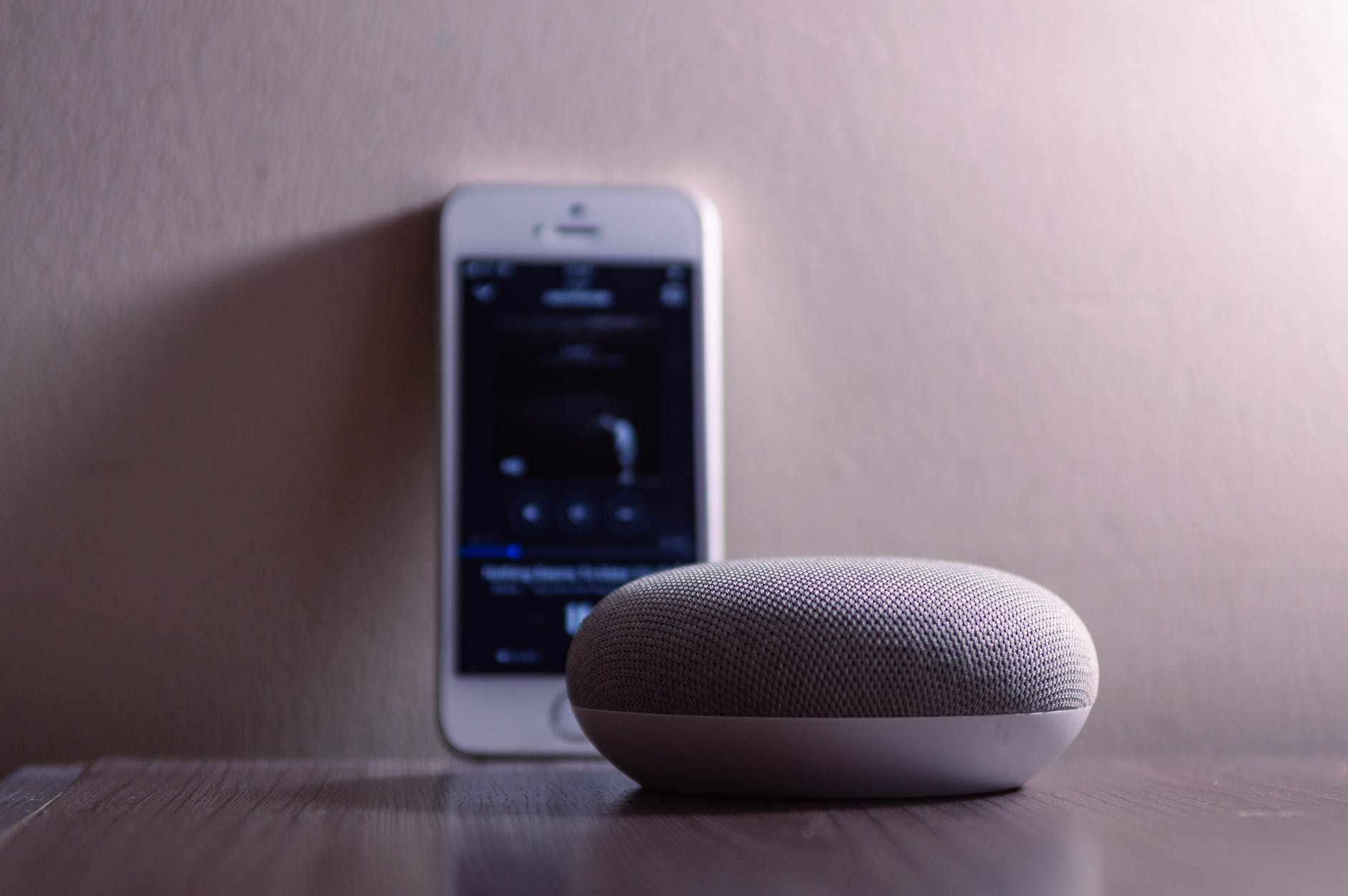
Once you reinstall, you can also set a timer. Use your smart devices around your house to help you out. You can often hear me say, “Hey Google, set a timer for 20 minutes.”
When the timer goes off, you can delete your app and resume your life.
Level 3 – I have Some Control
You can leave your phone for up to two hours, but you need some support to put your phone away for any longer.
Solution: Install the Freedom App
Cost: 39.00 per year
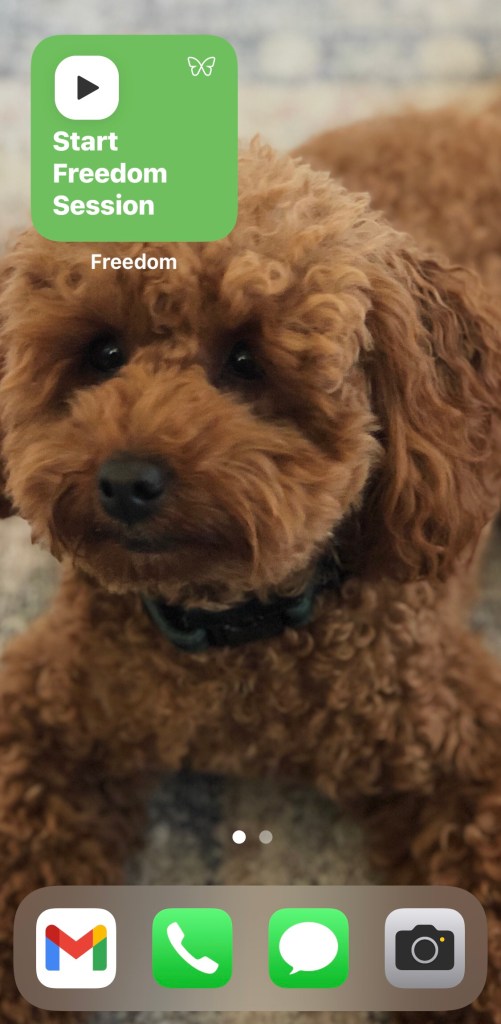
If reinstalling your apps seems like a hassle, then the freedom app could be your next best solution.
The freedom app installs on your phone. Once you give it VPN access, you have a lot of control over what you can and can’t have access to.
You can ask Freedom to block specific apps or websites, or categories of apps like social media. So if YouTube is your vice, you can specifically block it on your phone.
Take a second to think about your biggest time-wasters, and go ahead and just block that app or website from your life.
If you’re looking to give yourself a consistent daily break, Freedom allows you to create sessions. Sessions can be for any amount of time and can occur repeatedly.

And if you’re prone to cheating on yourself, you can install freedom on multiple devices like your home computer and iPads. Freedom will block you wherever you need it to.
The first time I tried Freedom using the 7-day free trial, I set a 3-hour morning session.
I’ll admit that the first day was hard. I constantly checked my phone only to find that I was blocked.
I imagined it was like a drug addict looking for a fix, and that mere thought made me realize how bad my habit had control over me.
Schedule your sessions
My biggest problem was running to my phone as soon as I woke up to open Instagram. I’d make my coffee and start scrolling. Before I knew it, time had flown by and I needed to get ready for work in 10 minutes.
Freedom was a real eye-opener. I realized that Freedom really did give me Freedom to do other things, and I was hooked.
I paid the annual fee and added an additional block from 5:30 to 10:30 in the evening. This is the time when I should be preparing dinner, catching up with my family, and spending time on hobbies like writing this blog.
Freedom really makes you hyper-aware of your habit of looking at your phone. Unlike deleting and reinstalling apps, Freedom keeps you locked out for good, or at least until your session ends.
The way I see it, I get a few hours back to my life, and I like that.

Level 2 – I have Little Control
You can’t be away from your phone for more than an hour, and you frequently look at your phone to check your notifications. You need someone or something to hold you accountable. You can’t do it yourself.
Solutions: Buy a KSafe
Cost: $69.00
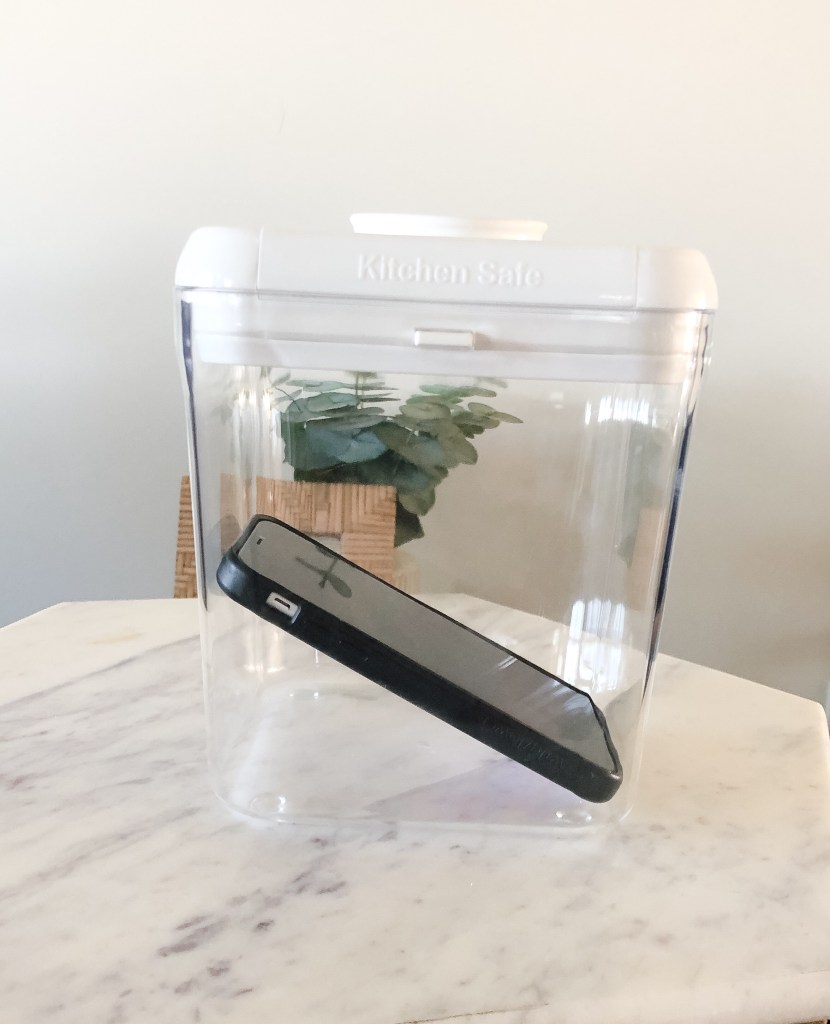
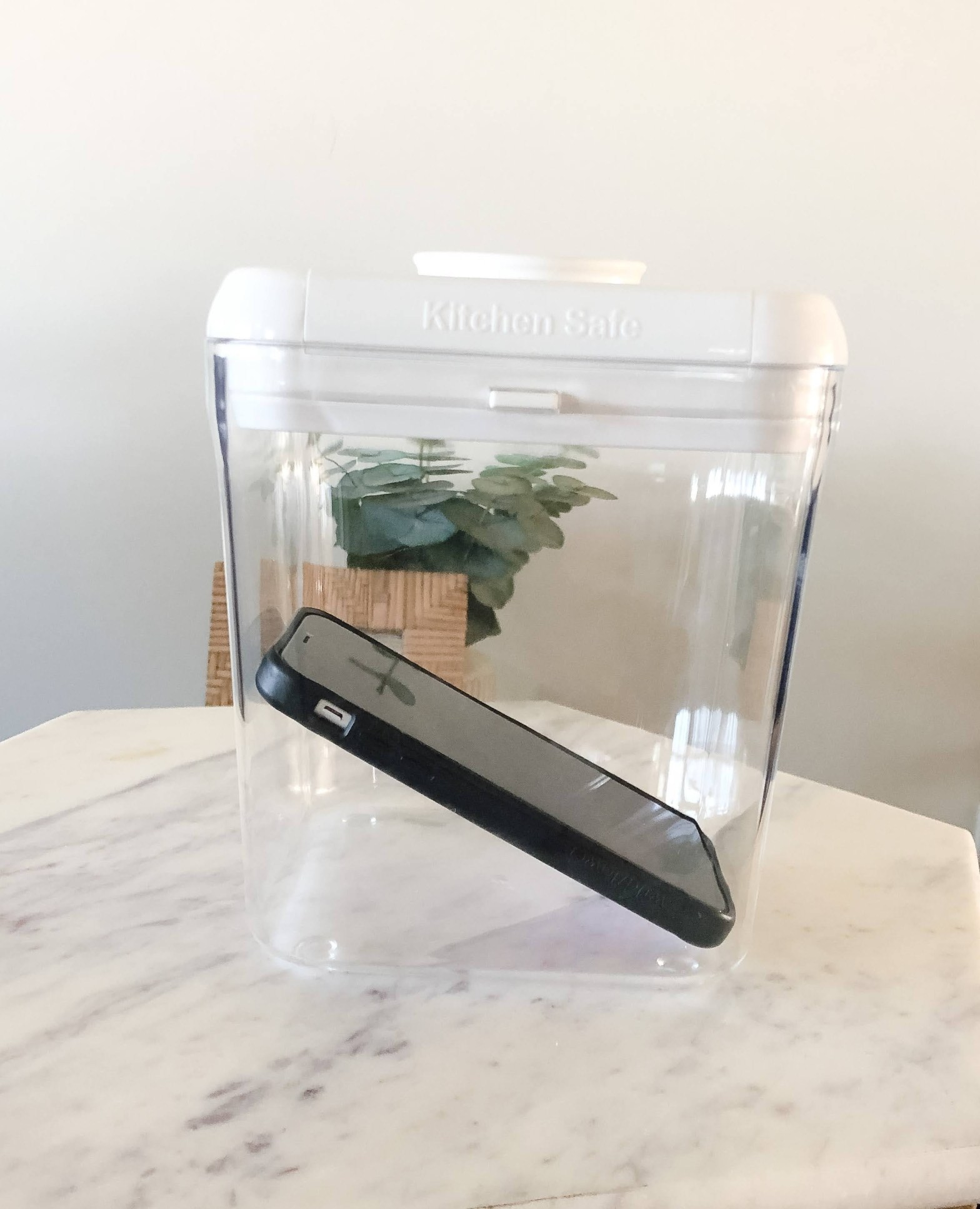
Rationale: The KSafe, also known as the Kitchen Safe, is a locked case with a timer that you can use to store and lock your phones.
I first heard about the KSafe from Johann Hari, author of Stolen Focus. On Oprah’s Super Soul podcast, Hari talks about using the KSafe while he spends time with his partner.
If you’re one of those people who read about the Freedom app and were already thinking about jailbreaking your phone, then the KSafe might be for you.
While the KSafe is not indestructible, you’d have to go to some great lengths to break your phone out of it. And if you’re doing that, then there are clearly other issues you might need to deal with.
Use it for the family
The KSafe is also great if you want multiple people to focus at the same time. So, perhaps you have kids of all ages who need to focus during homework. Pop the phone in the KSafe for two hours after school and get everyone to focus.
Maybe dinner time is your biggest issue. Are your teens constantly interrupted and reaching for their phones? If so, ask everyone to place their phones in the KSafe for 30 minutes while you enjoy a meal.
The great thing about the KSafe is that you don’t have to delete or install apps. While the price tag is a little more than the app, you’d end up saving money if you used it for more than a few people in the household.
Finally, when the phones are in the KSafe, you might notice how being away from the phone affects your kids’ behavior.
Use the KSafe as a learning tool, and ask them to reflect on how they felt without their phones. What did they do instead?
Once you help them identify their behaviors, you might find them popping their phones into the KSafe on their own. And Wouldn’t that be nice?

Level 1 – I have No Control at all
You are constantly on your phone. You can’t be away from your phone for more than a few minutes. You get angry or stressed if you aren’t able to check your phone. You need a foolproof device that doesn’t let you access your phone at all.
Solution: Purchase The Light Phone
Cost: $299.00

Rationale: With its sleek design that could almost pass for an iPhone, the Light Phone is your ultimate solution for blocking yourself from the apps or websites that take over your life.
If you’re someone who has considered the flip phone but doesn’t necessarily want to call attention to your lifestyle or habits, the Light Phone makes you appear as if you are keeping up with the latest celebrity doings without actually keeping up.
You have Options
Some people use the Light Phone as their weekend phone or take it on vacations to focus on family and friends rather than Instagramming your every moment.
The great thing about the Light phone, according to its website, is that you can use the same phone number as your existing phone and easily swap out your SIM card with your contacts.
You can also assign a new phone number if you don’t want to be contacted by your colleagues, for example.

The Light Phone could also be a great first phone for your pre-teens who are dying for a phone but for parents who are still trying to keep social media at bay.
Since the Light Phone looks like an iPhone, your kids won’t feel the social pressure of not having what everyone else has and can still text and call friends as usual.
Get Your Life Back
Finding the best solution for you to use your phone less will take some trial and error. However, whatever you choose will rely on your commitment to keeping it going. Keep track of your usage and watch those hours tick down. Then sit back as you take control of your life and start doing the things you love.
I’d love to hear from you – what tools help you use your phone less?
 College Collabs